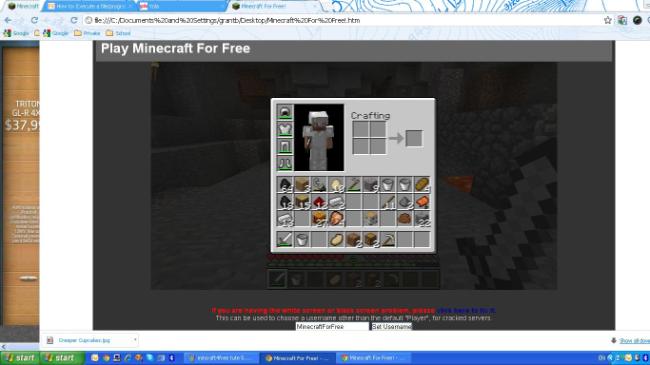
Unfortunately, by request from Notch, Minecraft For Free has shut down. This trick is now unavailable.
How To Play Minecraft For Free (anywhere, any time)
You Will Need: Google Chrome
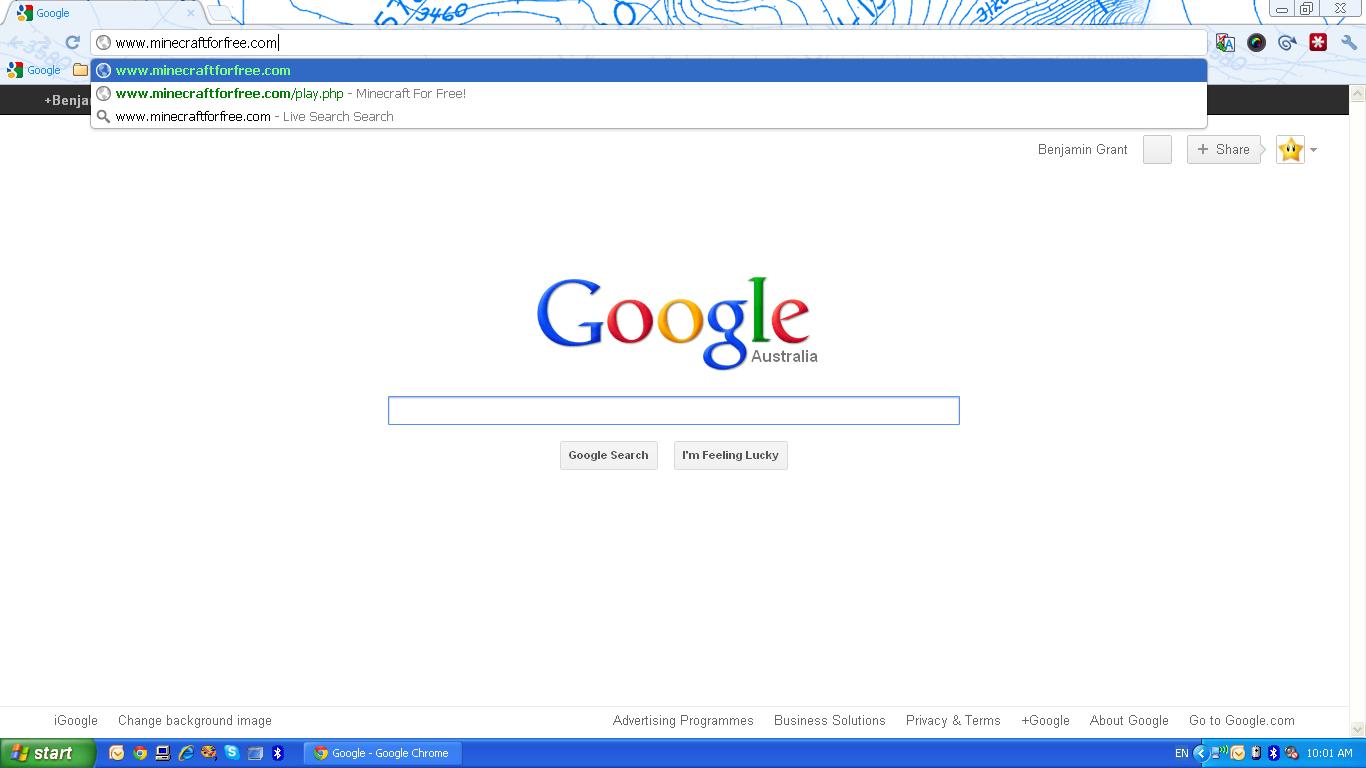
Step 1. Open Google Chrome and type in the address bar: www.minecraftforfree.com
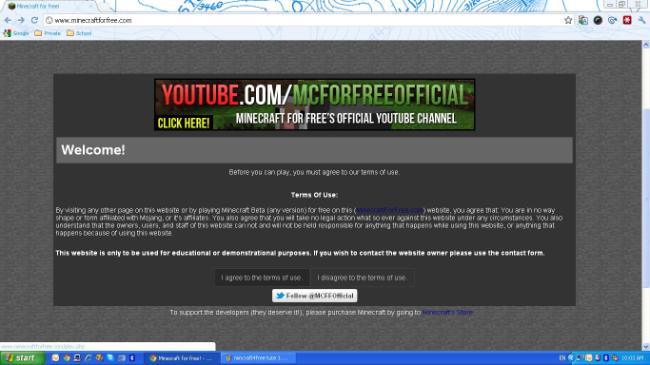
Step 2. Click "I Agree to the terms of use"
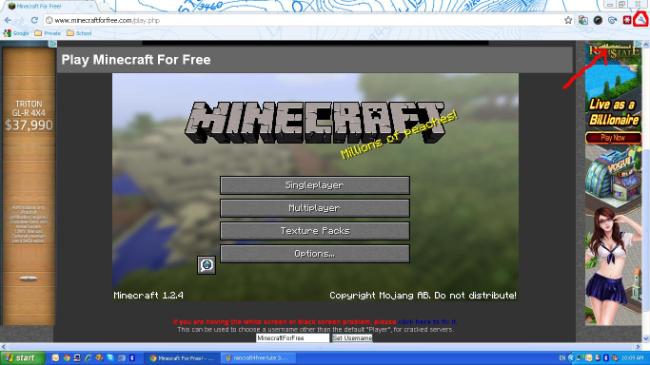
Step 3. When the page loads, click the wrench button in the top right corner of chrome
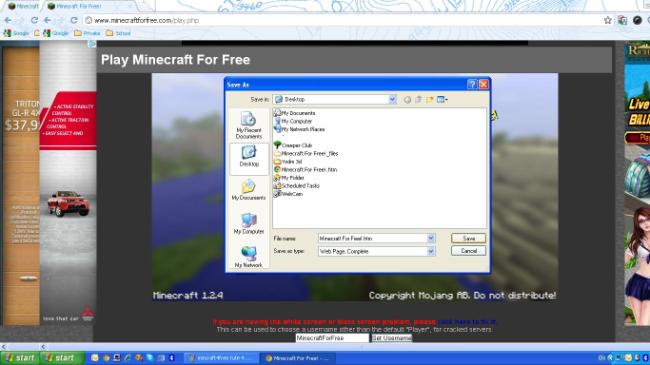
Step 4. Click "Save Page As..." Then save it on your desktop (you can save it anywhere)
Now, even if you are offline, the game will play! P.S the games saves onto your computer